
No app or shortcut needed
Safari has downloaded files on its own since iOS 13. You don’t need a downloader app or a Shortcuts automation.
Download any public video from X to your iPhone or iPad with Safari, then add it to Photos in two taps. No app, no shortcut, no account.
In the X app, open the post, tap the Share icon, then Copy link.
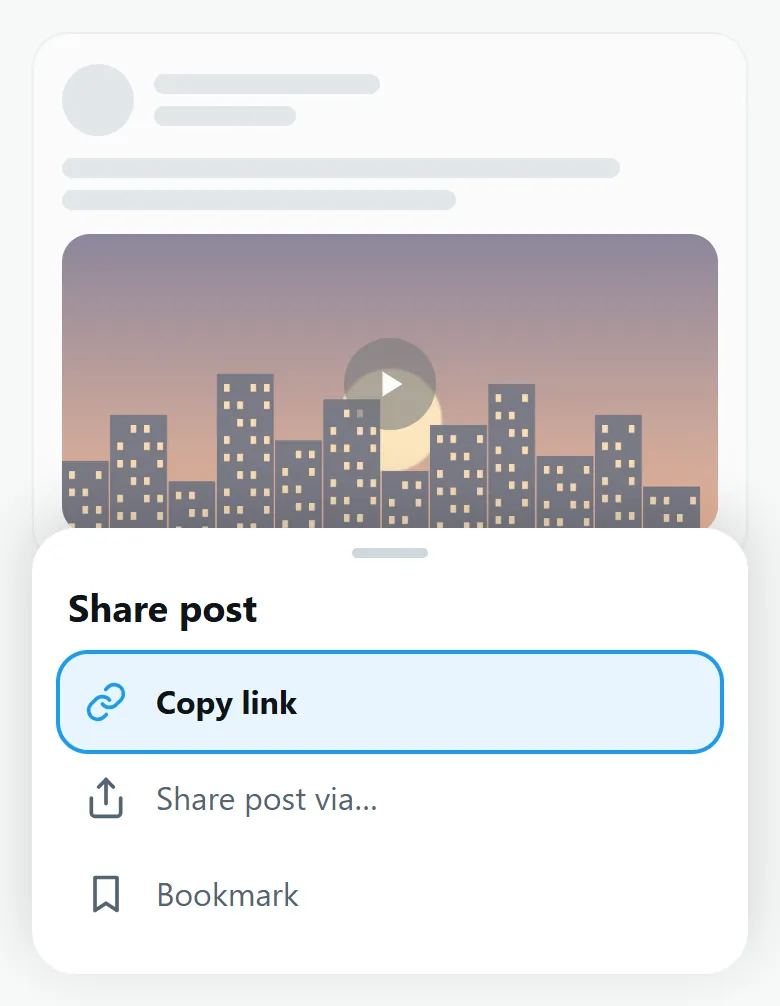
Open this page in Safari, paste the link above, tap Download MP4 and confirm with Download.

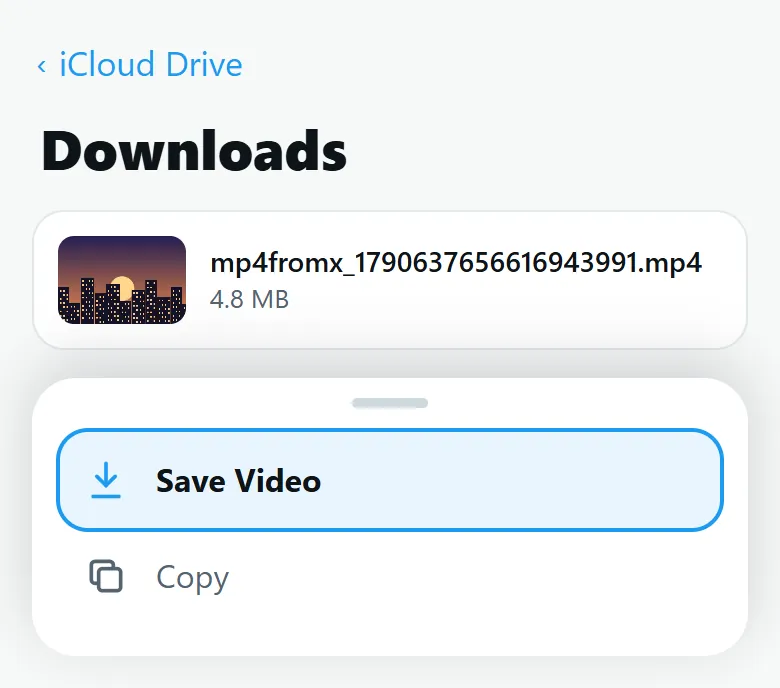
Open the Files app, go to Downloads, tap the video, then Share > Save Video.
Safari has downloaded files on its own since iOS 13. You don’t need a downloader app or a Shortcuts automation.
The steps are the same on iPad. Videos, GIFs and MP3 files all land in the Files app first.
Saving a video takes three steps: get the link, download the file, then move it to Photos.
Chrome downloads files too. After you tap Download MP4, a bar appears at the bottom of the screen: tap Open in…, then Save Video. If you miss it, the file is in the Files app, in the Chrome folder.
Try these, in order:
A GIF saved with the GIF downloader lands in Files too: tap Share > Save Image to add it to Photos, where it plays as an animation. Audio from the Twitter to MP3 converter stays in Files and plays there.
X only lets you download some videos, mainly for paid subscribers and when the poster allows it. MP4fromX works with any public video.
To the Files app, in the Downloads folder (in iCloud Drive or On My iPhone, depending on your Safari settings).
No. Safari has downloaded files natively since iOS 13.
Yes, with the same steps in Safari.
If it came from a GIF, there is no sound: GIFs on X are silent. Otherwise, check that your iPhone is not in silent mode.
Yes. It is free and unlimited, with no account.
Last updated: